Nimbus
A Finder-style desktop browser for S3 and anything that speaks it — AWS S3, MinIO, Cloudflare R2, or your own endpoint. Browse buckets, move files, preview images, all from your own machine with nothing to sign up for. Download the latest release for your platform.
v0.1.6 · released August 14, 2026 · Release notes
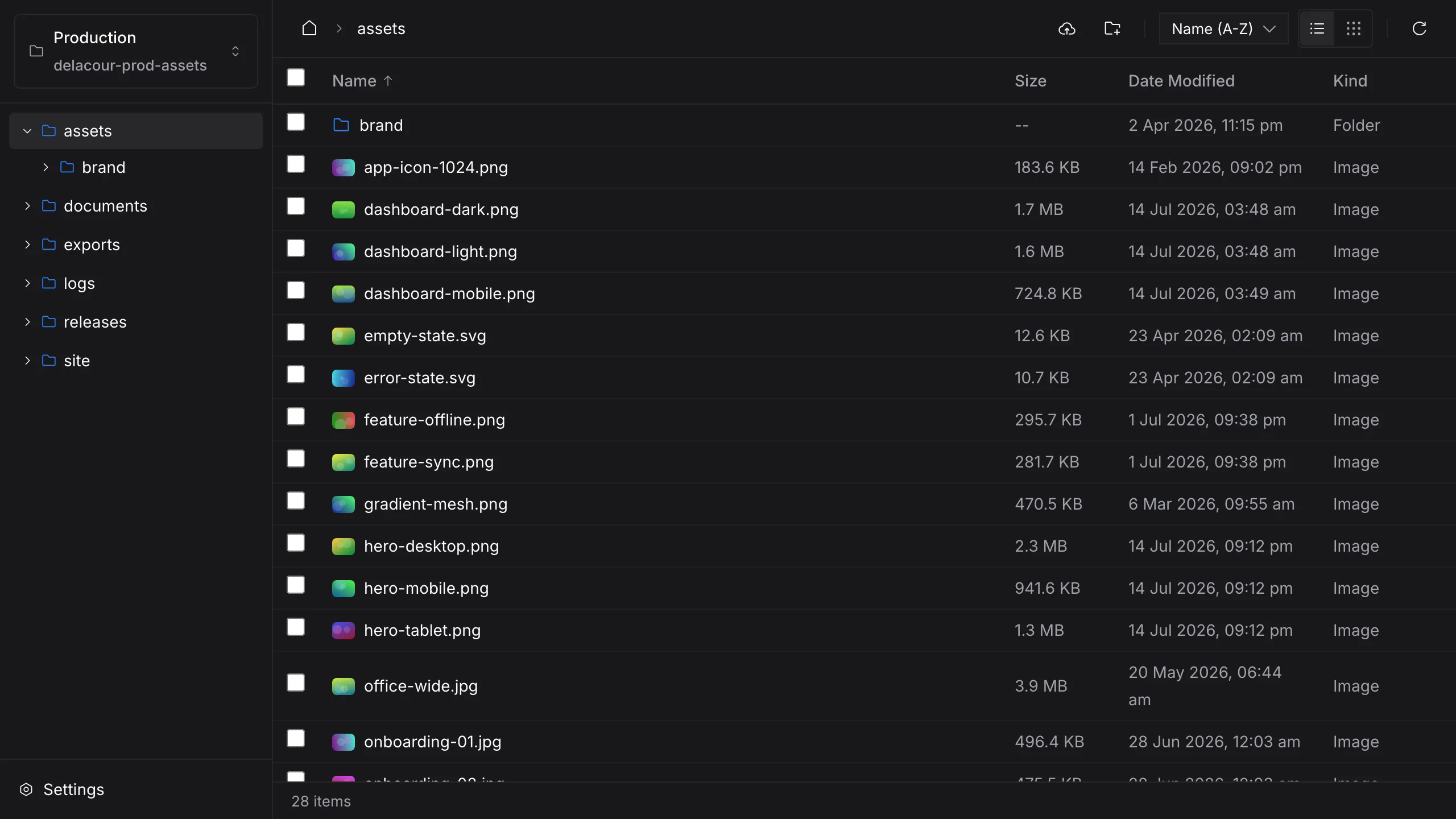
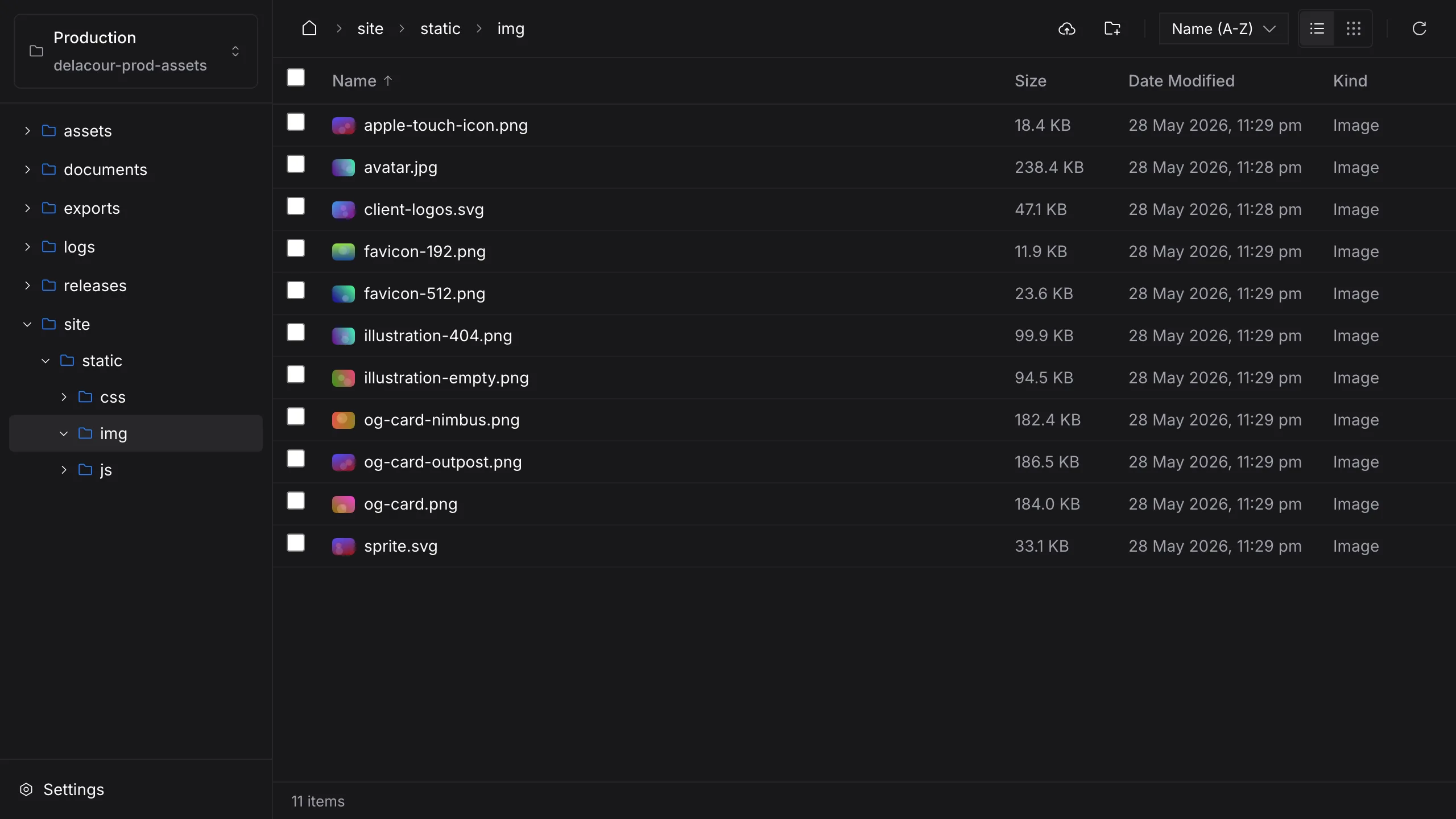
Browse any bucket like a folder
Name, size, kind and date, sorted the way you expect. Click into a folder, not a prefix — everything sits where Finder puts it.
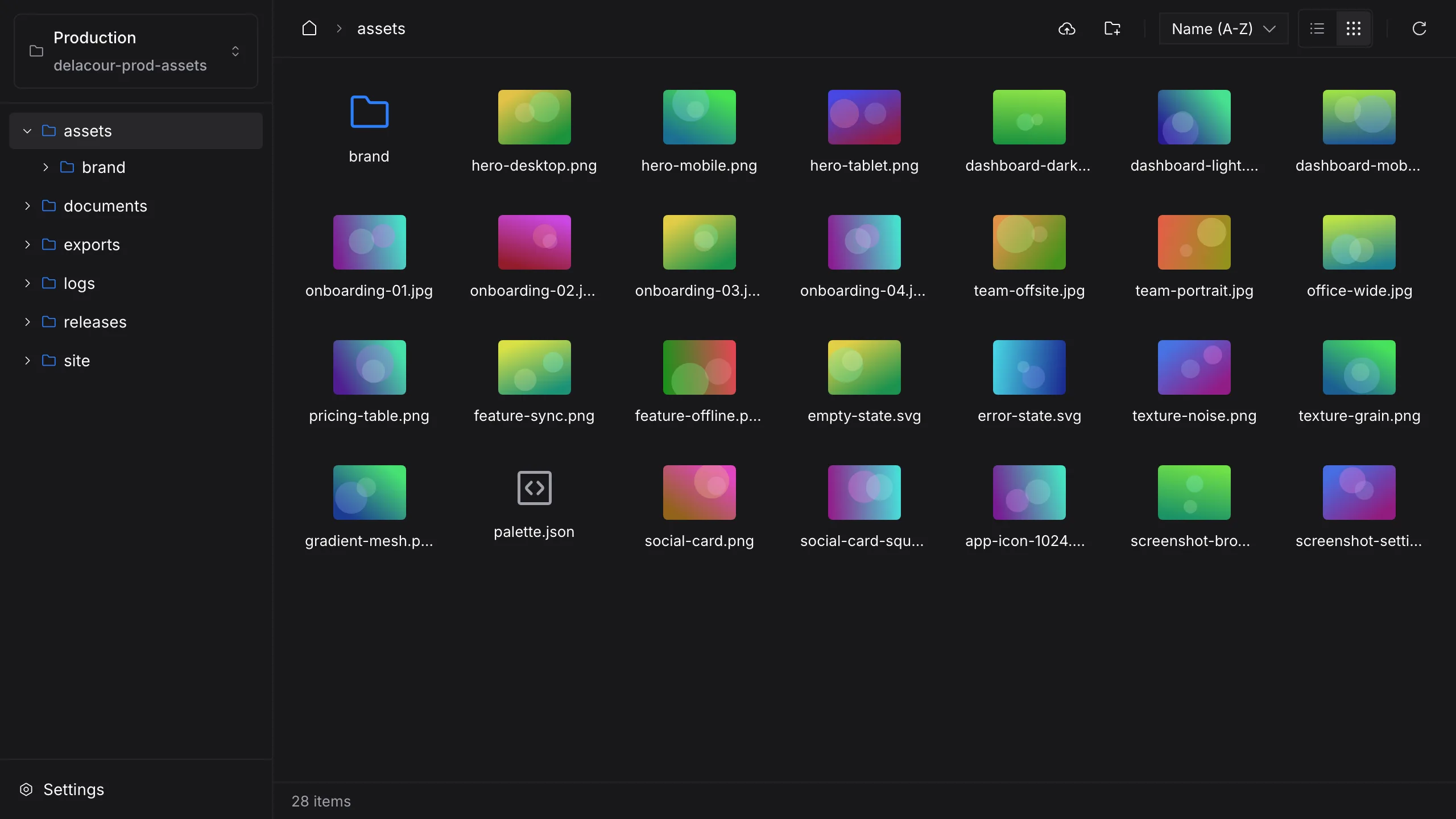
Grid view with live thumbnails
Images render straight from presigned URLs, so you can see what is in a bucket without downloading any of it.
The whole prefix tree, lazily loaded
Expand as deep as you like — each level lists only when you open it. Every path is a real URL you can link straight back to.
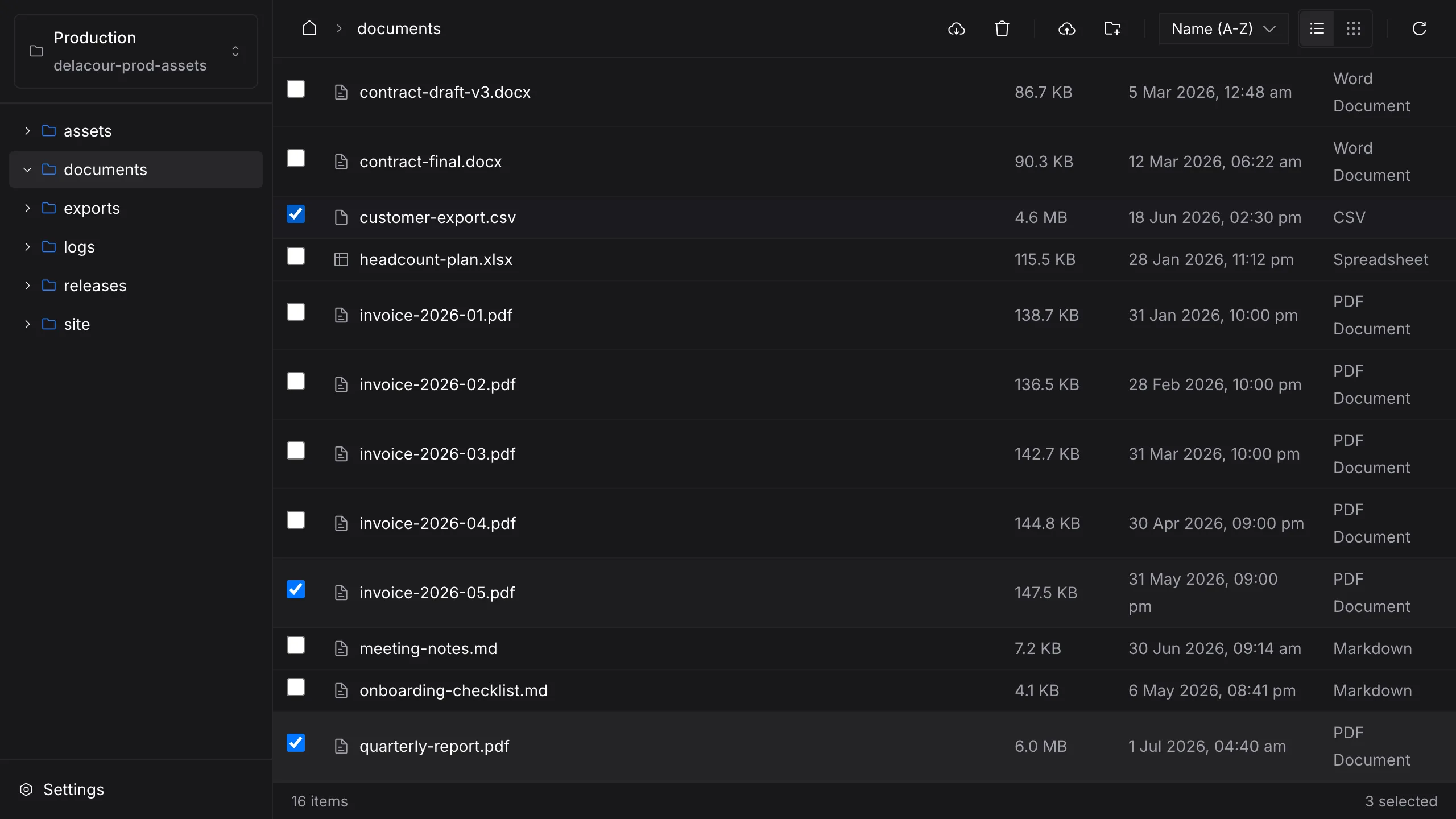
Select, download, delete
Multi-select with ⌘-click, then act on the lot. Downloads go through the native save panel, straight to where you asked.
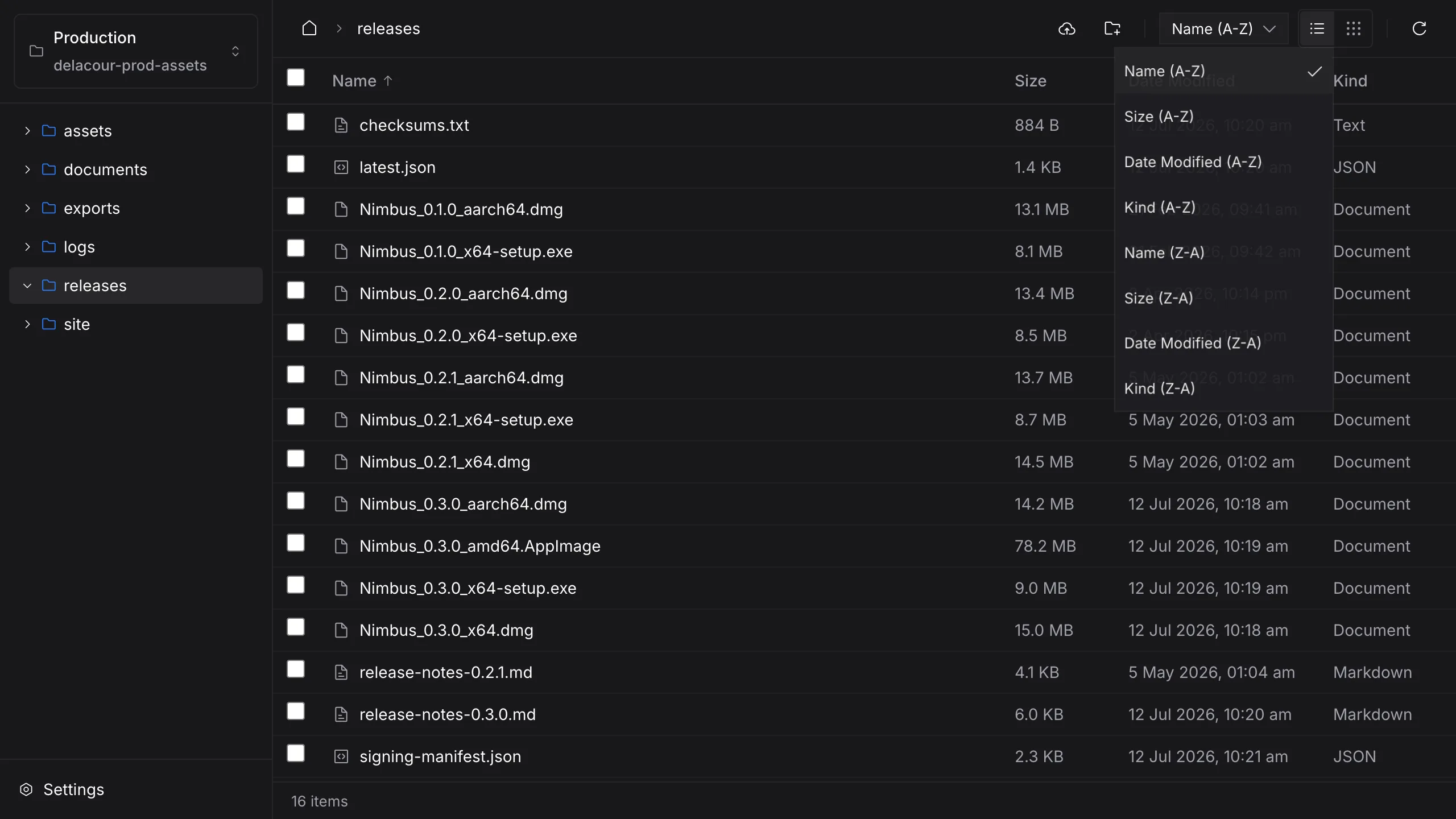
Sort and view how you think
Four fields, both directions, list or grid — all of it kept in the URL, so a reload lands you back.
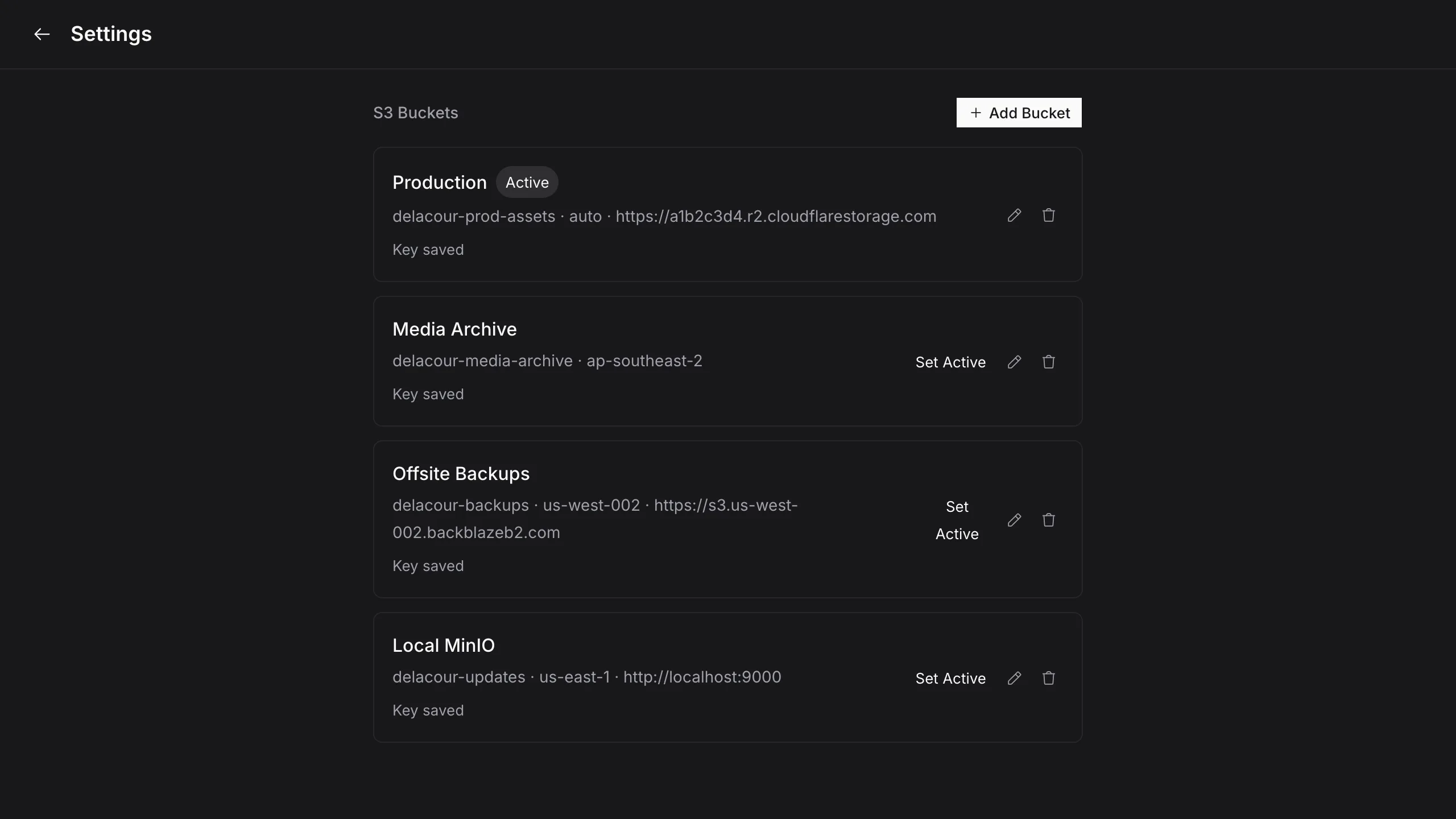
Every bucket you use, one switch away
AWS S3, Cloudflare R2, Backblaze, MinIO or your own endpoint. Keys go to the OS keychain — never the config file, never across the IPC bridge.
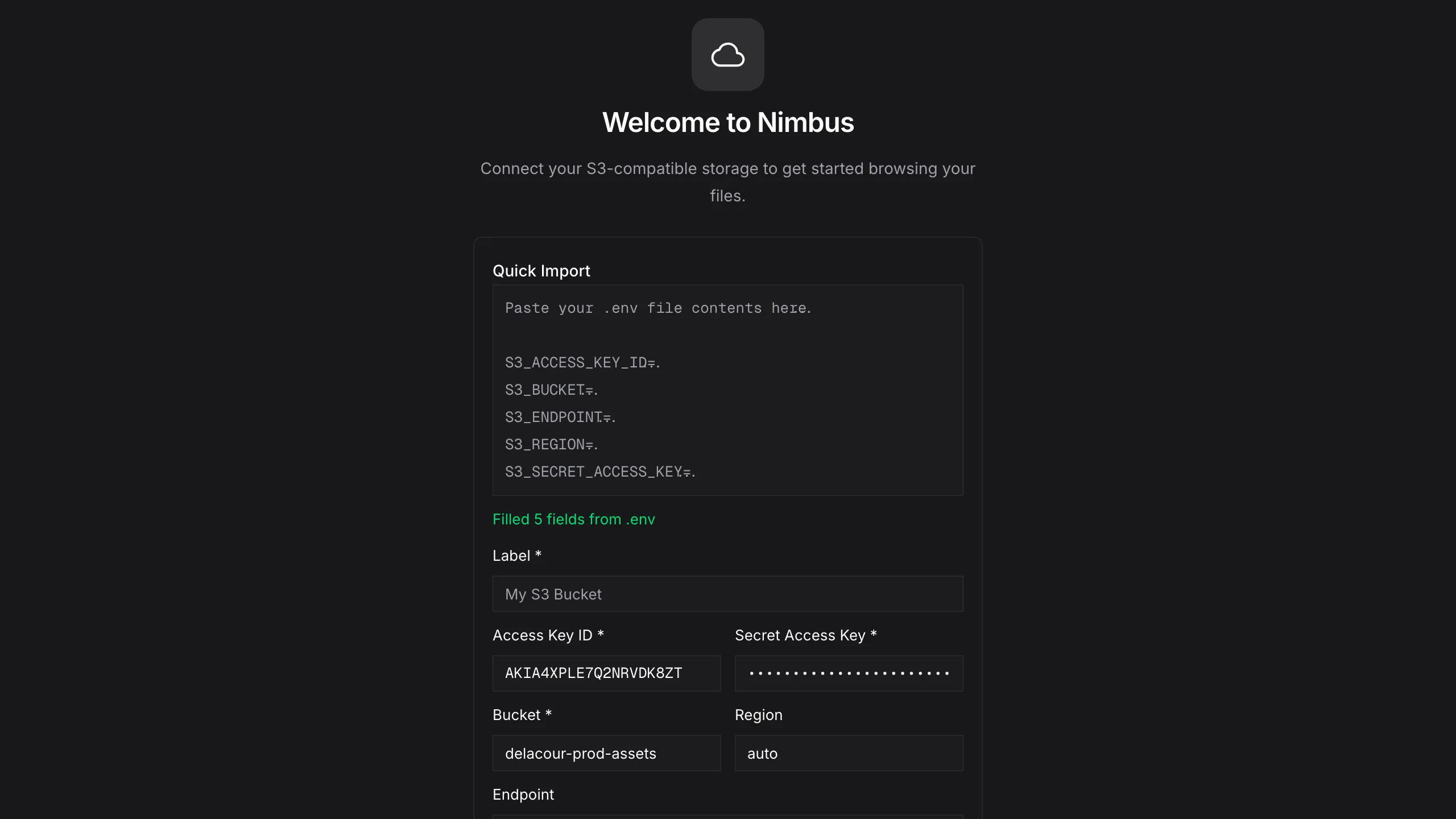
Connected in one paste
Drop a .env in and Nimbus fills the form — bucket, region, endpoint and both keys.